|
tChess
chess app for iOS
|
|
|
tChess Lite Features
tChess Lite has too many features to list in its App Store description:
General app features
- User interface that's elegant, responsive, and easy-to-use
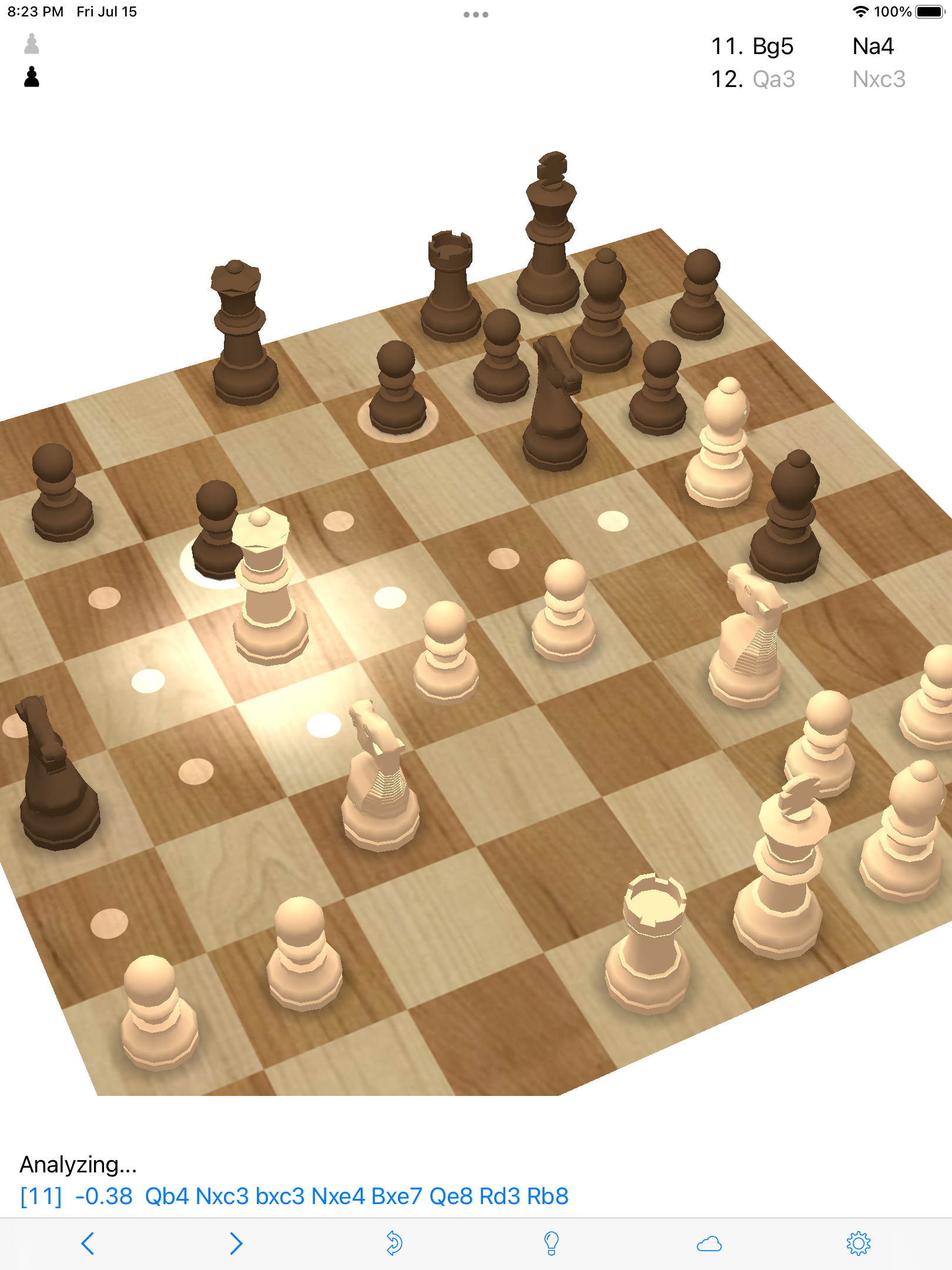
- Professionally-designed graphics: 2-D and 3-D options
- Support for all current iPhones, iPads, and Mac computers [that have an Apple Silicon processor]
- Support for Dark Mode
- Support for iPad's Split View feature
Features for beginners
- If you tap on a piece, its legal moves are highlighted
- The board is displayed with coordinates by default
- You can take back a move, or get a hint, at any time via buttons on the toolbar
- The computer's lowest setting is easily defeated by any beginner
Features for playing against the computer
- Fine-grained control of the computer opponent's strength, from 500 to 1200 Elo
- The computer makes human-like mistakes (rather than random moves) at its lower settings
- Opening library of 75,000 moves, so the computer doesn't play the same game over and over again
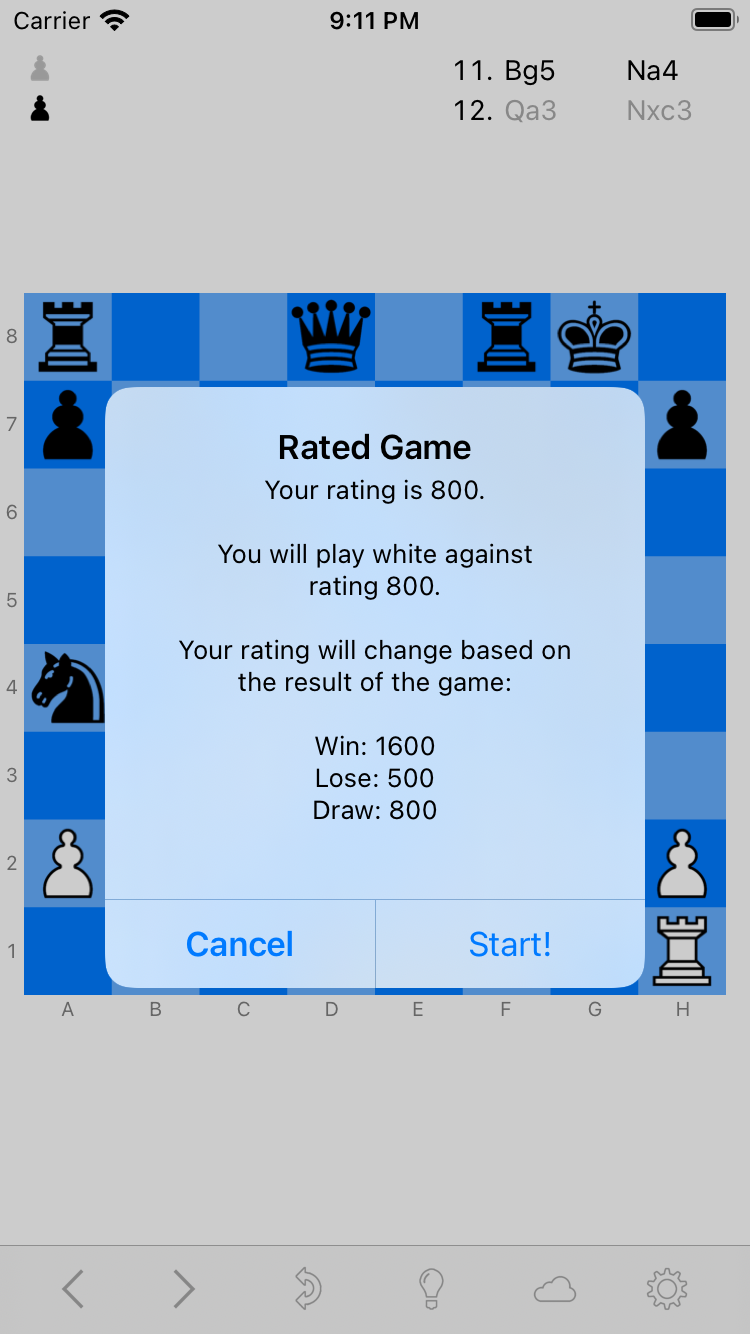
- You can play "rated games" against the computer and it will automatically adjust to your strength
Features for playing another person on the same device
- "Flip pieces" feature makes it convenient to play another person who's sitting across from you.
It can either flip your opponent's pieces so they're always right-side-up from his point of view,
or flip all the pieces when it's his turn.
Features for playing online
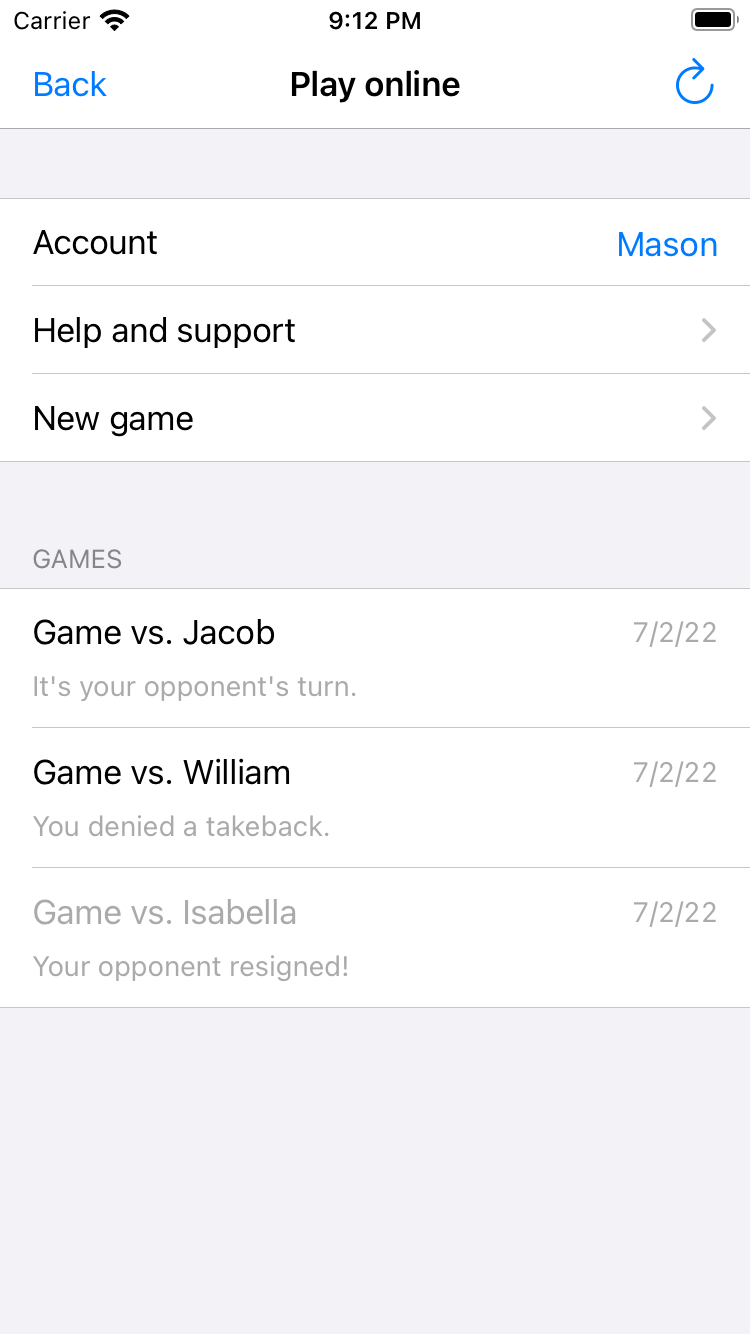
- Play online feature allows you to play your friends or family online.
You can play up to 20 games simultaneously and make moves in real-time or at your leisure. (Up to two weeks per move.)
Features for reviewing a game
- Quickly step through a game's moves using the back and forward buttons that are always visible on the toolbar
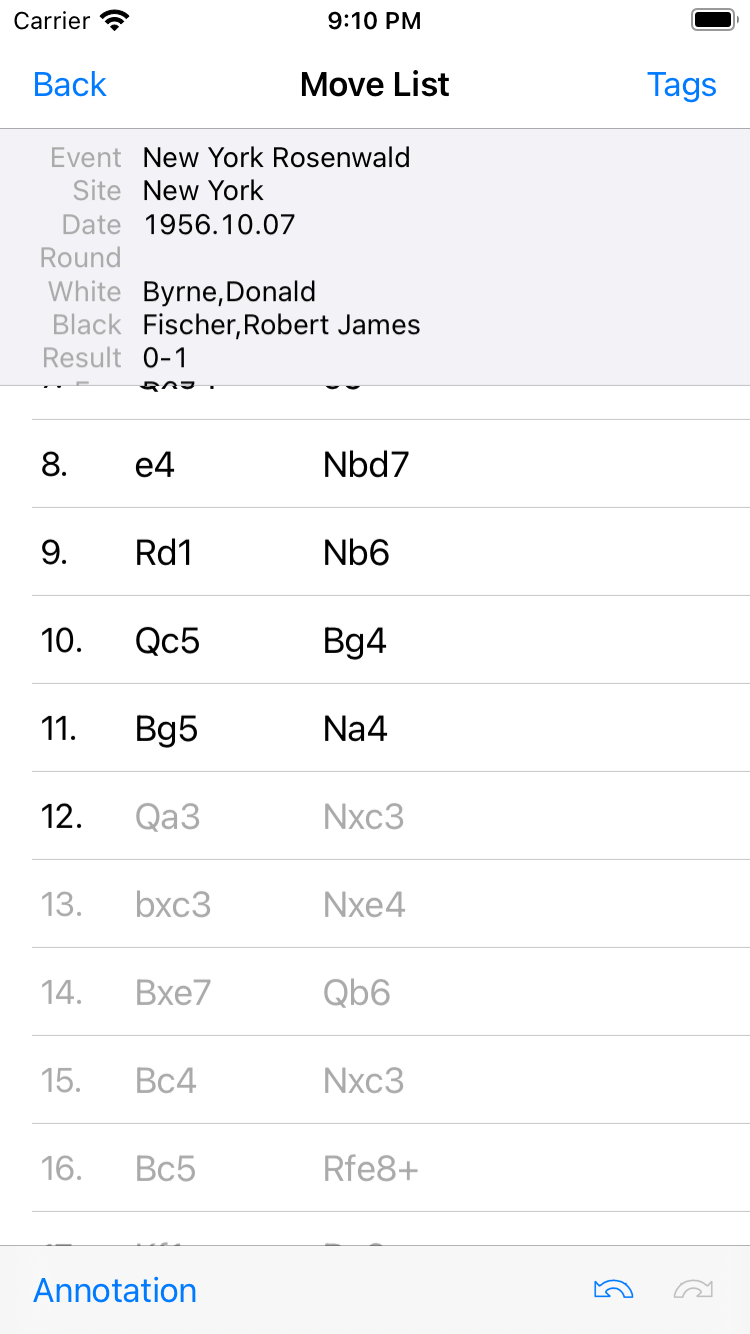
- Use the Move list menu to see information about the game and jump to any move
|