tChess Pro
Features
Screen shots
Engine
Analysis mode
Analyze game
Opening library
PGN support
Dual core
iCloud
|
tChess Pro Analysis Mode
tChess Pro's Analysis Mode is like carrying a chess master in your pocket.
When Analysis Mode is turned on, tChess Pro gives you its "expert opinion" about the
position on the screen by running its engine and displaying the output in real-time.
It tells you which side is winning and by how much, and it gives you the recommended
sequence of moves. As you move back and forward in the move list,
the engine output is updated automatically.
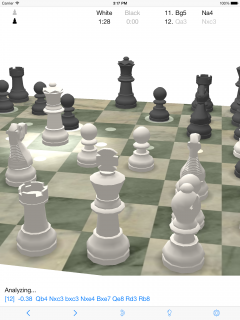
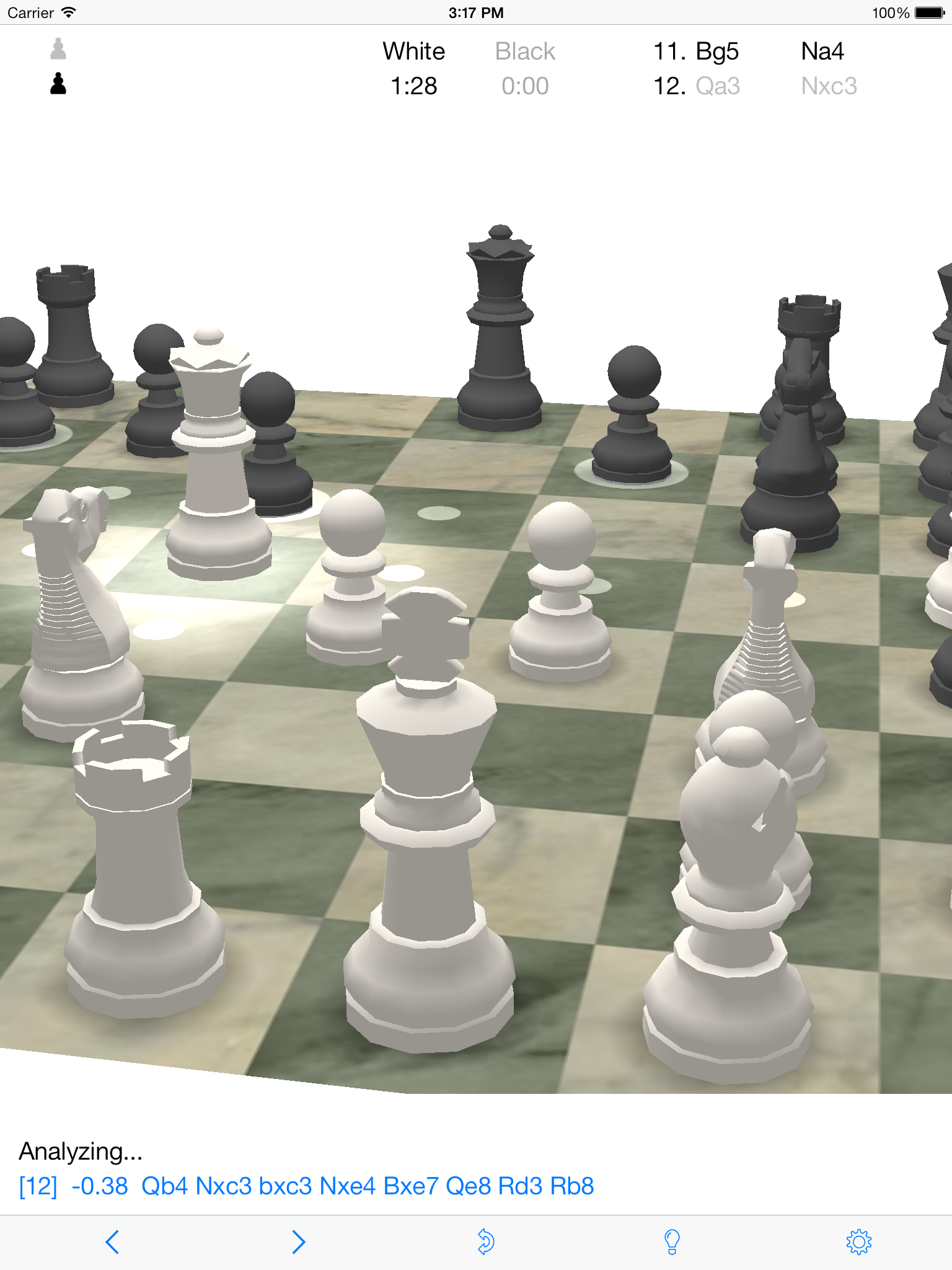
Here is an explanation of the analyis mode output from the screen shot above, i.e.:
[12] -0.38 Qb4 Nxc3 bxc3 Nxe4 Bxe7 Qe8 Rd3 Rb8
Search depth
The first number (in brackets) indicates how many moves* ahead the engine is searching.
In this case, the engine is currently searching 12 moves ahead.
The number increases as the engine searches deeper.
Position's score
The second number (-0.38 in this case) indicates that white is losing by 0.38 pawns.
If white was winning, the number would be positive.
This number is an estimate that takes into account many positional advantages and disadvantages that are programmed to be
worth fractions of a pawn each.
Sequence of moves
After the position's score, you can see a sequence of moves in
Standard Algebraic Notation.
This is the sequence that the engine thinks is optimal for both sides from this point in the game forward.
* Really ply, or half-moves, in chess jargon.
|